A Professional Workflow for Visual Review
More than simple comparison. FrameSight Pro helps you review, select, and export visual assets with layouts and tools designed for real production workflows.
Flexible Layouts
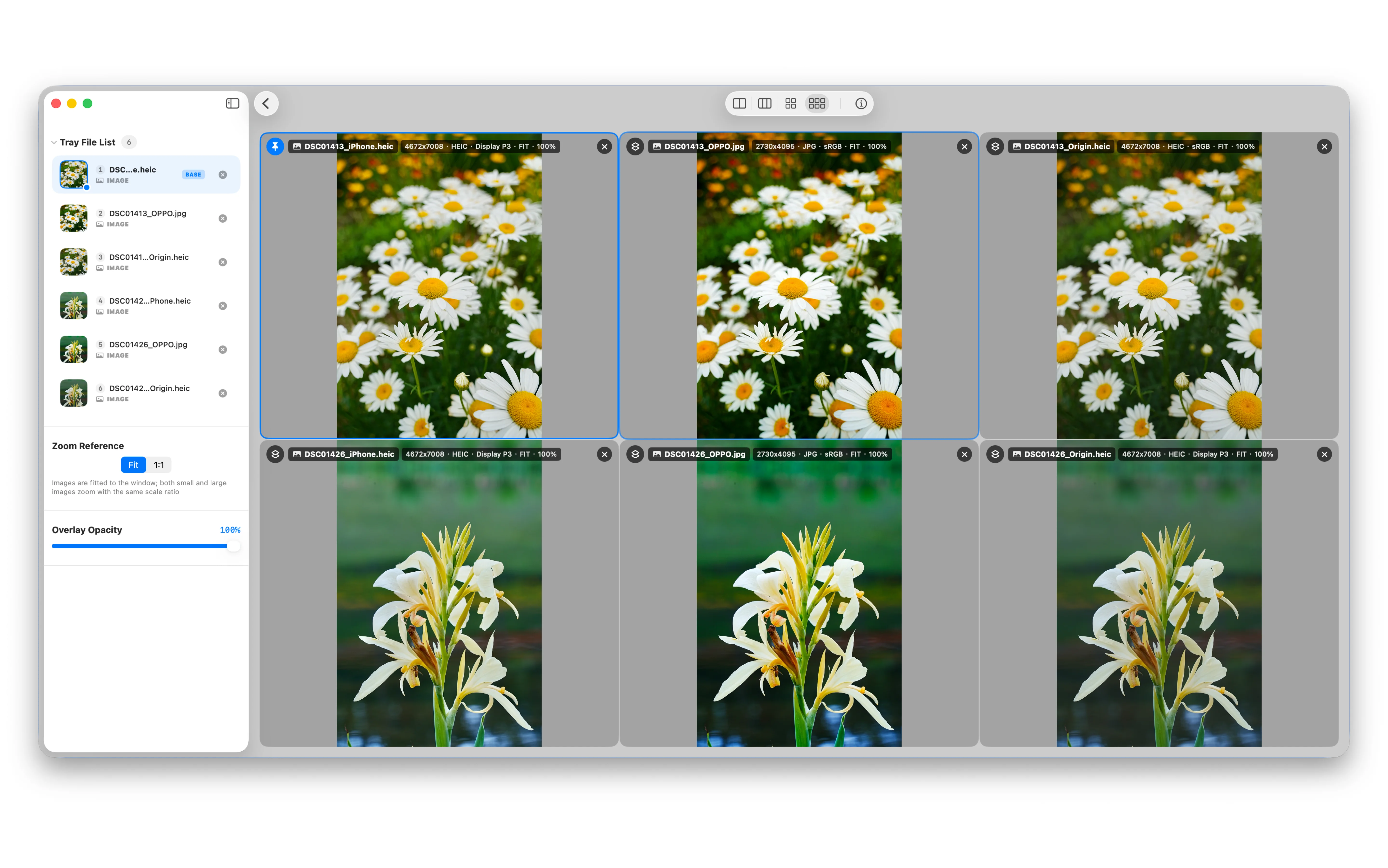
Compare 2 to 6 assets side by side. Mix images and videos freely, with synchronized zoom and pan to inspect both overall changes and fine details.
Selection and Export Tray
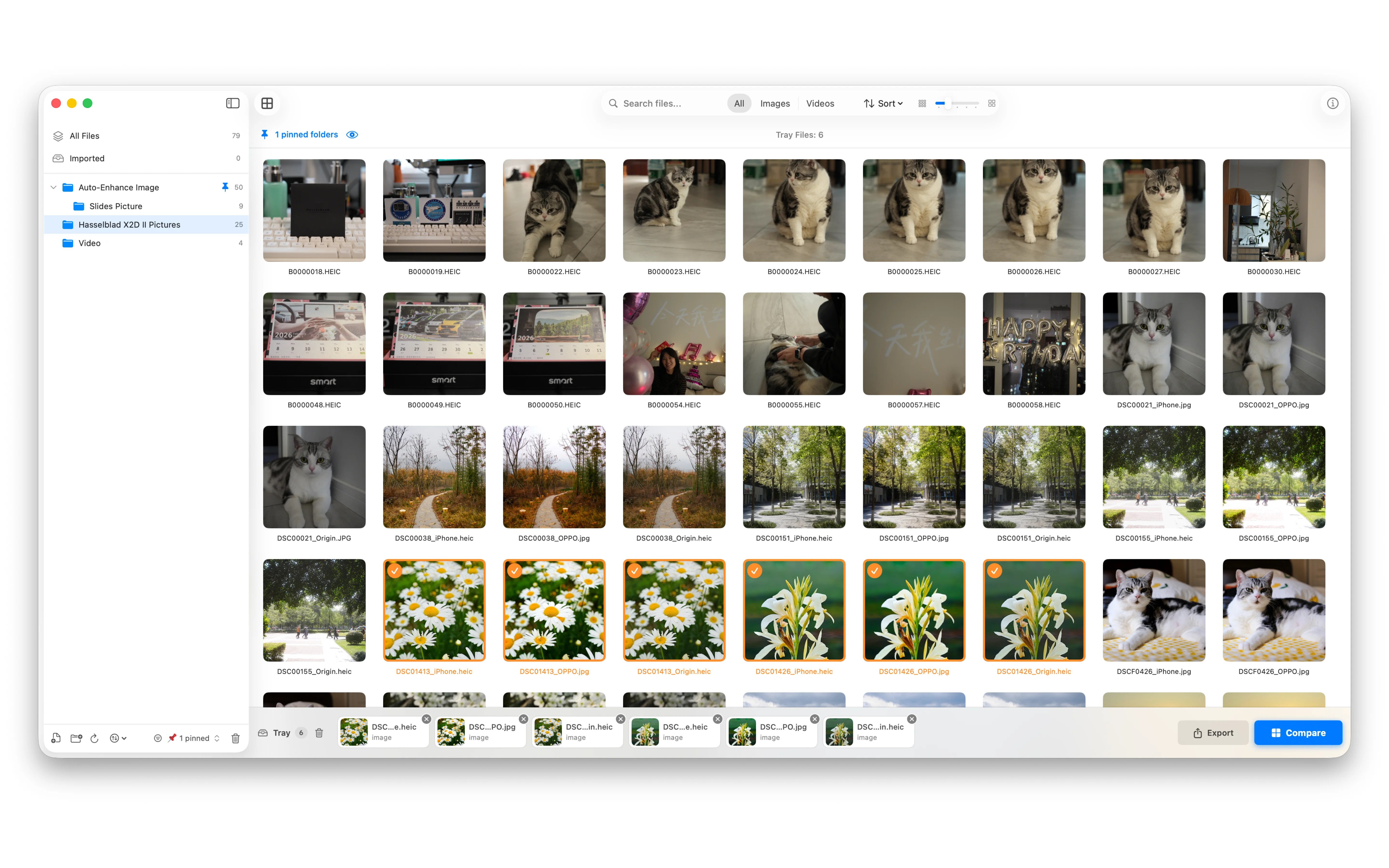
Collect the assets you want to keep while reviewing. Export selected files to any local folder in one step to speed up sorting and delivery.
Multi-Video Sync
Keep multiple videos perfectly aligned during playback. Play, pause, and seek in sync to review motion, editing changes, and export consistency with confidence.
Built-In File Browser
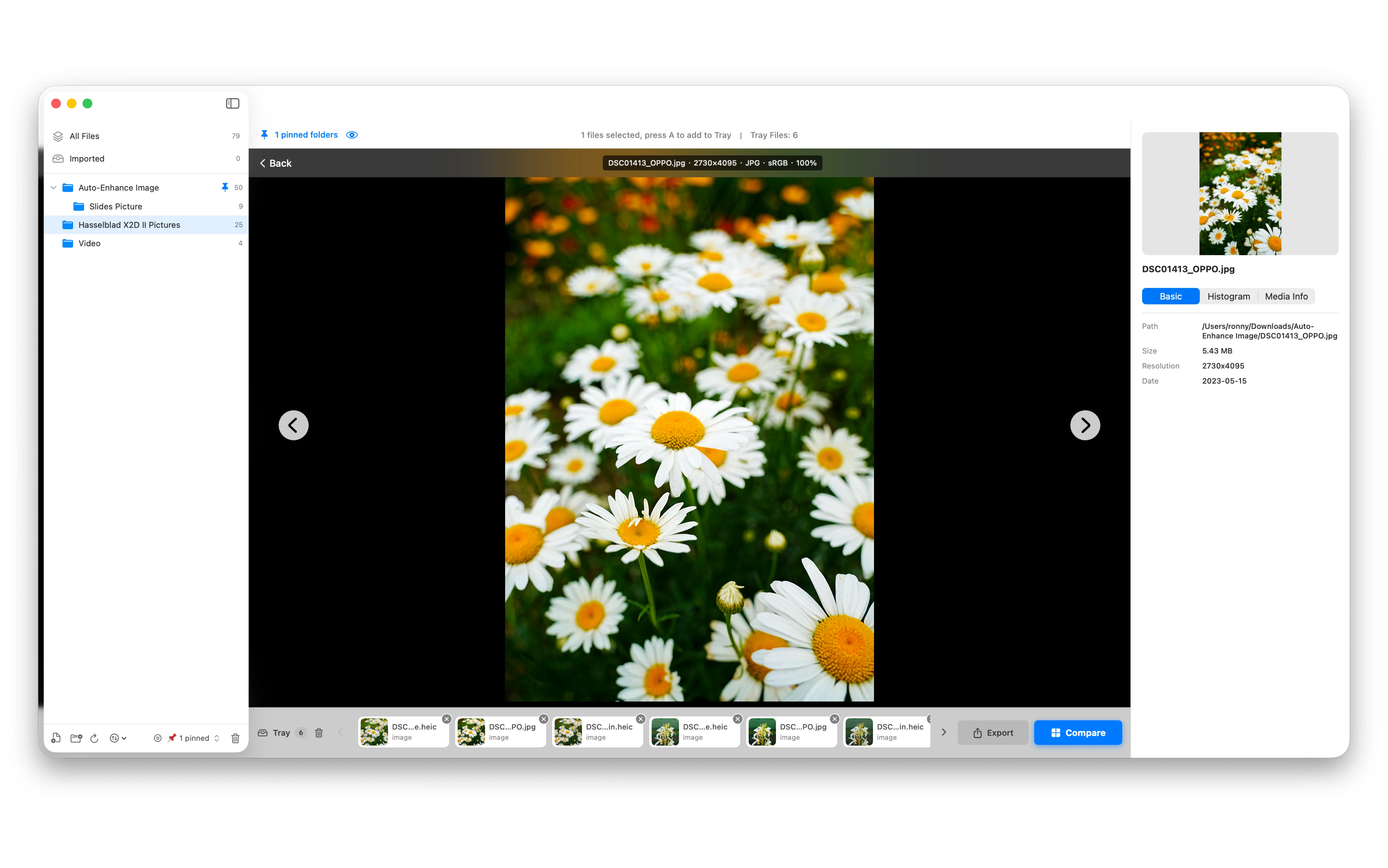
Browse folders directly inside the app with drag-and-drop import. Persistent bookmarks help you reopen your workspace quickly without repeatedly granting access.
Native Performance
Built natively for macOS with SwiftUI and Apple media frameworks. FrameSight Pro delivers a smooth comparison experience even with high-resolution images and videos.
Keyboard-First Workflow
Move faster with a comprehensive shortcut system designed for professional review workflows. Compare, navigate, select, and export without leaving the keyboard.